Whatsapp Wordpress

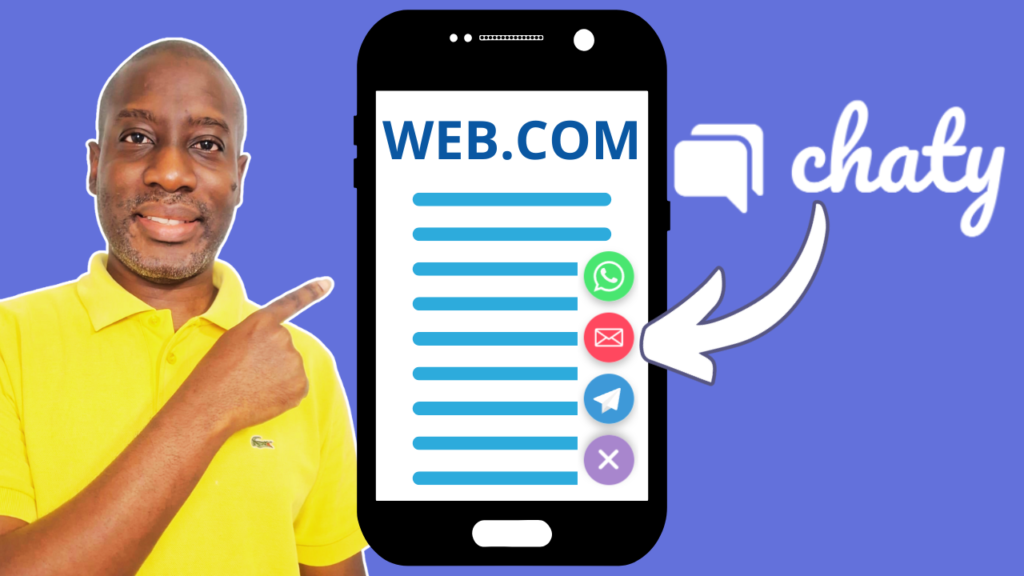
Chaty open state
Whatsapp Wordpress

How to Display the Chaty Widget in an Open-State in WordPress?

Learn how to make the most out of the Chaty plugin by displaying your chat widget in an open state by default—no clicks needed. In this tutorial, I’ll walk you through the simple steps to configure the default state of your Chaty widget so that your WhatsApp, Facebook, Telegram, and other chat channels are immediately visible when visitors land on your site. This small change can have a big impact on engagement, conversions, and customer support. Whether you’re using the free version or considering an upgrade, this guide will help you get the most out of Chaty on your WordPress site.

connect a wordpress contact form to whatsapp
Whatsapp Wordpress

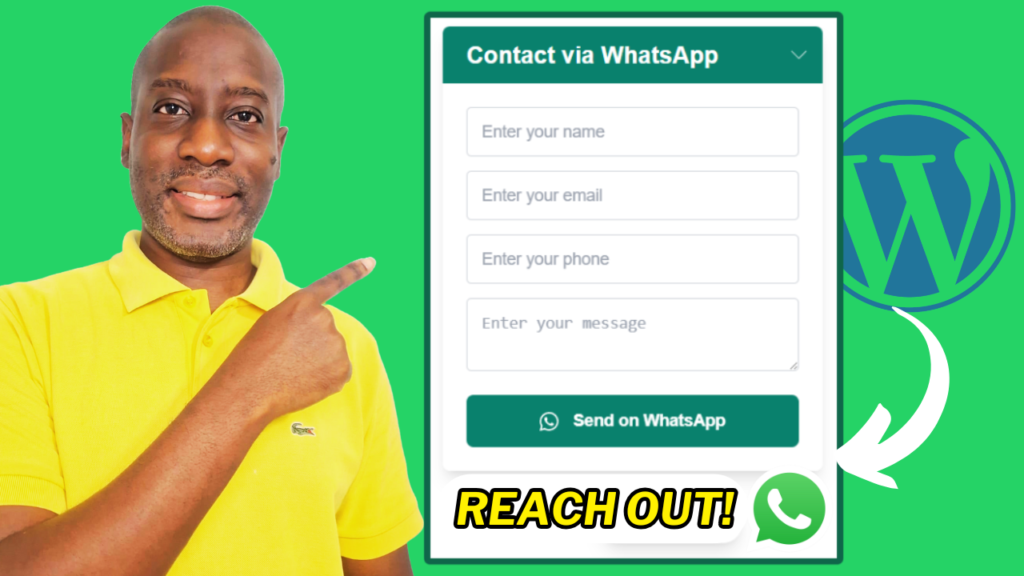
How to Connect a WordPress Contact form to WhatsApp with Contact Form 7 and FormyChat

Learn how to connect a WordPress contact form to WhatsApp using Contact Form 7 and FormyChat. This tutorial walks you through the steps of installing both plugins, creating a floating WhatsApp widget, customizing the form and greetings, and configuring triggers for better engagement. By the end, visitors can easily reach you via WhatsApp, enhancing communication and response times.

add whatsapp to an existing wordpress site
Whatsapp Wordpress

How to add WhatsApp chat to an existing WordPress website

In this video, learn how to add a WhatsApp chat button to your WordPress website without using plugins. By simply creating a WhatsApp link and customizing the button’s appearance, you can offer visitors an easy way to contact you directly, enhancing communication and engagement on both desktop and mobile devices.

Scroll to Top