
How to add WhatsApp to WordPress with Buttonizer Step by Step
Add a WhatsApp contact button to WordPress with the Buttonizer plugin. A quick step-by-step guide to install, customize, and publish a chat widget for better customer support.
Add a WhatsApp contact button to WordPress with the Buttonizer plugin. A quick step-by-step guide to install, customize, and publish a chat widget for better customer support.
Discover how to add WhatsApp live chat to your WordPress site using the WP Chat App plugin. This 2025 step-by-step tutorial shows you how to install, configure, and customize the plugin so visitors can connect with you instantly through WhatsApp. Perfect for enhancing customer support and improving site engagement.
Discover how to add a WhatsApp button to WordPress with the Social Chat plugin. This tutorial covers setup and customization so visitors can chat with you instantly. Ideal for anyone needing a WordPress WhatsApp chat plugin or a floating WhatsApp button WordPress.

Looking for the best way to add WhatsApp to your WordPress site in 2025? In this video, we cover the top 5 WhatsApp plugins, ranked by features and popularity. From the lightweight Joinchat to the advanced Boei.help, discover which plugin is right for your site.

Learn 3 easy ways to add WhatsApp chat to your WordPress site—using Gutenberg, Elementor, or the Join.chat plugin.

Learn how to add a WhatsApp chat button to your WordPress site without using any plugins. This step-by-step tutorial walks you through creating a custom “Contact Us” button using the Gutenberg editor, complete with a working WhatsApp link. Perfect for a lightweight, mobile-friendly chat solution in 2025.
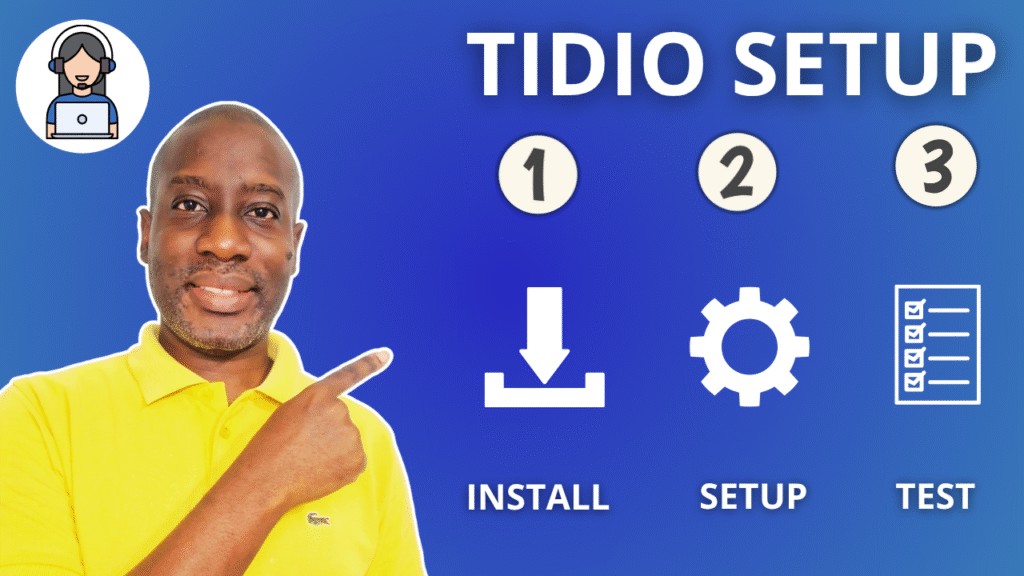
Learn how to install and set up the Tidio Live Chat plugin in WordPress — no coding needed. This quick guide covers everything from widget customization to mobile testing and offline ticket handling, helping you boost engagement and connect with visitors in real time.

Add a WhatsApp pop-up chat to your WordPress site using the Chaty plugin. This video shows how to set it up step by step, including customization options like welcome message, emoji picker, and auto-popup on page load. Requires the Chaty plugin.

Learn how to easily connect your WhatsApp number to Chaty in just a few minutes! This step-by-step tutorial shows you how to add a floating WhatsApp chat button to your WordPress website without using any code or complex setup. Whether you’re running a business, a blog, or an online store, this guide will help you integrate WhatsApp and start chatting with your visitors instantly. Perfect for beginners!

Discover how to seamlessly add a contact form inside your Chaty widget — no extra plugins or complicated setups needed. In this video, I’ll guide you through the simple steps to make it happen. Don’t miss it!